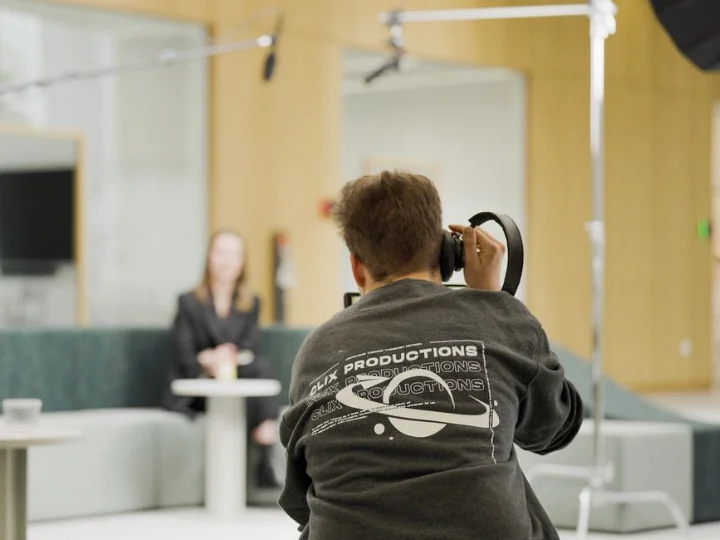


Losing video footage is one of the most expensive problems an editor or production team can face. A failed drive, corrupted project, accidental deletion, stolen laptop or damaged memory card can turn hours of filming into a recovery crisis.
The problem is often not that creators do not have backups it is that they have one backup in one place, which creates another single point of failure.
The 3-2-1 backup rule provides a simple way to build more reliable protection around video projects. Instead of trusting one external drive or assuming that cloud synchronization is enough, the approach spreads copies across different storage types and locations.
This gives editors a practical structure for protecting raw footage, project files, exports and completed productions.
For video production businesses and independent editors in København, Denmark, a well-planned backup workflow can also reduce production delays and make project recovery much less stressful.
Why Video Projects Are Especially Vulnerable to Data Loss
Video files are large, frequently moved and often difficult or impossible to recreate. A short commercial may involve original camera footage, audio recordings, graphics, project files, proxies, music, colour files and multiple exports.
That creates several opportunities for something to go wrong.
An external drive can stop mounting. A memory card can become unreadable. A project folder can be accidentally deleted. A laptop can be damaged or stolen. Cloud synchronization can also create confusion if a deleted or corrupted file is automatically synchronized across devices.
The important point is that storage and backup are not the same thing. A drive containing your project is storage. A separate, recoverable copy gives you protection when that storage fails.
For examples of completed video projects, you can also explore the type of production work where protecting source footage and project files matters throughout the workflow.
Lexar's creator workflow guidance similarly recommends keeping multiple copies during the production process and confirming transfers before formatting camera cards.
What the 3-2-1 Backup Rule Actually Means

The 3-2-1 rule is a straightforward framework for reducing the risk of losing important data. It calls for three copies of your files, two different types of storage, and at least one copy kept away from the primary location. Veeam describes these three elements as redundancy, media diversity and off-site separation.
Here is how the numbers apply to a video editing workflow:
- 3 copies: Keep the working copy plus two additional copies.
- 2 storage types: Use different storage environments rather than putting every copy on equivalent local storage.
- 1 off-site copy: Keep one version away from the editing location, often through a suitable cloud or remote storage service.
The strength of the rule comes from combining these protections. If your editing computer fails, another copy remains available. If a local drive is damaged, an additional copy can be recovered. If the entire workspace is affected by theft, fire or another physical event, the off-site version provides another recovery path.
A Practical Backup Workflow for Video Editors
The rule becomes much more useful when it is turned into a repeatable production process.
Start with the camera card or recording media. After a shoot, transfer the footage to your primary working storage. Do not immediately erase the original card. First, confirm that the transfer completed correctly and that representative clips can actually be opened and played.
Next, create a second local copy on a separate physical device. This gives you a recovery option without requiring a large download if the main editing drive fails.
The third copy should be maintained away from the primary editing environment. Cloud storage, remote storage or another suitable off-site system can fill this role.
For an active commercial project, the workflow can therefore look like this:
Camera media → Working storage → Local backup → Off-site backup
Once the project is completed, archive the project files and original footage according to the client's retention requirements. Keep the structure organised so another editor can understand what belongs to the project without searching through dozens of ambiguous folders.
The goal is not simply to accumulate copies. It is to know where every important copy is and how you would restore it.
Don't Confuse RAID With a Complete Backup
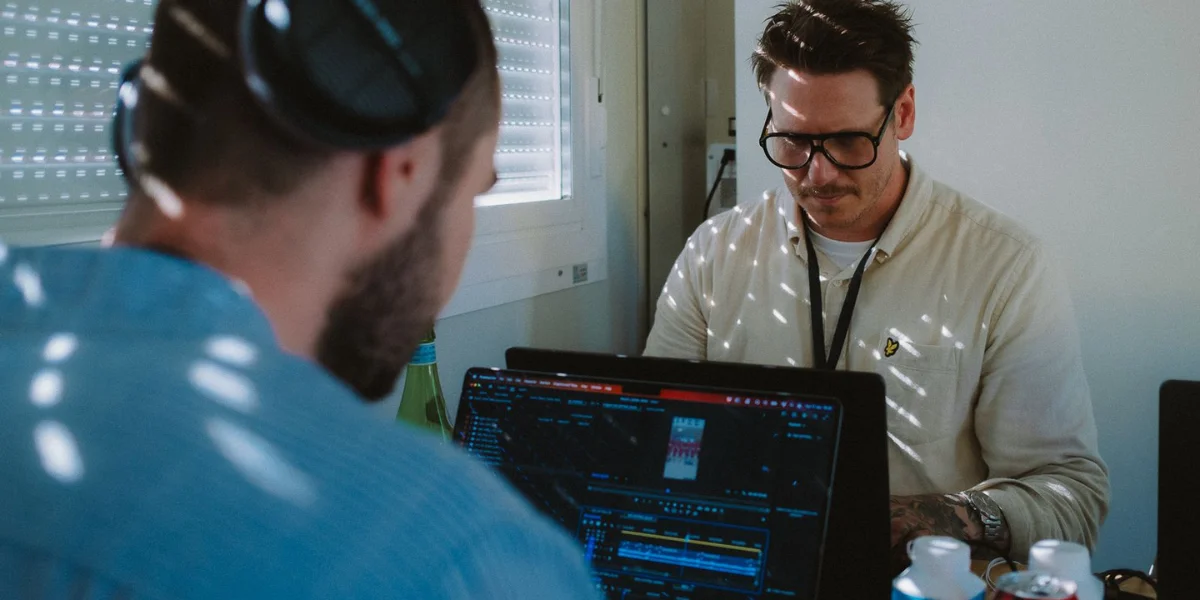
RAID can be useful for production storage, but it should not automatically be treated as a backup strategy.
A RAID system can provide redundancy and help a storage system remain operational after certain drive failures. However, accidental deletion, file corruption, malware, theft or physical damage can affect the data available through the same system.
For example, if an unwanted project folder is deleted from a mirrored storage system, that deletion may be reflected across the mirrored drives. You have redundancy, but not necessarily an independent historical copy.
That is why RAID can be part of a larger video storage solution while separate backups remain necessary. Lexar's creator guidance also distinguishes redundancy from a complete backup approach.
Why Backup Verification Matters as Much as Backup Creation
One of the easiest mistakes is assuming that a backup exists simply because software says a transfer or synchronization completed.
A backup is valuable only when the files are usable.
For active projects, build simple verification into the workflow. After transferring footage, open several clips and check that they play correctly. Check important project folders rather than relying solely on the existence of filenames.
Periodically restore a file from the backup location so you know the recovery process works. A consistent workflow is also important when projects move through professional editing and delivery, such as with professional video editing services.
Veeam's discussion of modern backup practices makes the same broader point: backup copies need to be recoverable, and modern strategies increasingly include integrity checking and recovery verification.
A practical verification routine can include:
- checking newly transferred footage before formatting the source card;
- reviewing automated backup logs regularly;
- opening selected archived files;
- testing a restoration from off-site storage;
- checking whether older projects still have the required media and project files.
These checks do not need to become complicated. Consistency is more valuable than creating an elaborate system that nobody maintains.
When the Classic 3-2-1 Rule Needs More Protection
The traditional 3-2-1 structure remains a useful foundation, but modern backup planning can add additional safeguards.
One concern is that a backup connected to the same environment as the production system may still be exposed to certain threats. Ransomware, compromised accounts and accidental synchronization can create problems beyond ordinary hardware failure.
Modern data-protection guidance therefore sometimes extends the traditional model with an additional isolated or immutable copy and recovery verification. Veeam calls its expanded framework 3-2-1-1-0, adding one immutable or air-gapped copy and a goal of zero recovery errors.
For a small editing operation, that does not mean immediately building a complicated enterprise infrastructure. It means understanding the weaknesses in your current setup and adding protection where the consequences of failure are highest.
How to Build a Backup System That Fits Your Production
There is no single storage setup that suits every editor. A freelance editor working on short social videos has different storage requirements from a production company handling several terabytes of camera footage.
Consider the value and volume of the projects, how quickly files need to be restored, how long clients expect projects to be retained, the available upload bandwidth and the cost of additional storage.
A sensible system should answer five practical questions:
- Where is the current working project?
- Where is the second local copy?
- Where is the off-site copy?
- When was each copy last verified?
- How quickly could the project be restored after a failure?
If those answers are unclear, the backup workflow probably needs improvement.
The biggest benefit of the 3-2-1 rule is its simplicity. You do not need to rely on one particular brand, application or storage device. You need a structure that separates important copies and makes recovery realistic.
How to Make Video File Storage More Reliable
Good storage is about organisation as much as capacity.
Before a project grows, establish where active footage, project files, exports and archived material belong. Avoid creating several unrelated copies with names such as final, final2, final-new and final-really-final.
A better approach is to use predictable versioning and maintain a clear distinction between working files, backups and completed projects. Applying the 80/20 rule in video editing can also help editors focus their workflow on the tasks and footage that matter most.
Another important habit is checking that backups can actually be restored. A drive showing that files were copied does not automatically prove that the complete project will open correctly.
Testing a sample restoration periodically can reveal problems before a real recovery is required.
Frequently Asked Questions.
What is the 3-2-1 rule for video editing?
The 3-2-1 rule means keeping three copies of important video data, using two different storage types or environments, with at least one copy kept off-site. It is designed to reduce dependence on a single storage device or location.
Is cloud storage enough to back up video projects?
Cloud storage can provide an important off-site copy, but it should be considered as part of a wider backup strategy. Editors should also maintain suitable local copies for faster recovery and ensure that important files can actually be restored.
Should I delete camera footage after copying it?
Do not erase the original recording media immediately after a transfer. First confirm that the footage has copied correctly and that you have additional usable copies. Lexar specifically recommends verifying transferred footage before formatting the source card.
Is RAID a backup for video files?
RAID provides redundancy and can improve storage availability, but it does not replace independent backups. Accidental deletion, corruption, malware or physical damage can still affect the data within the RAID environment.
Is 3-2-1 still relevant for video editors?
Yes. The principle remains useful because it separates copies across storage and location. Modern workflows may add stronger measures such as immutable or isolated copies and recovery verification, particularly when projects are highly valuable or business-critical.
Conclusion
A reliable video workflow is not only about cameras, editing software and final exports. It also depends on what happens to the project when something unexpected goes wrong.
The 3-2-1 rule gives editors a practical starting point: maintain multiple copies, separate them across storage environments and keep one away from the primary workspace. Add regular verification, sensible organisation and appropriate archive practices, and your project becomes far less dependent on any single device.
For professional video production and editing support, Clix Productions can help plan production workflows around the practical demands of commercial projects, events, brand films, interviews and other video work. For enquiries, contact Clix Productions at +4528766105.