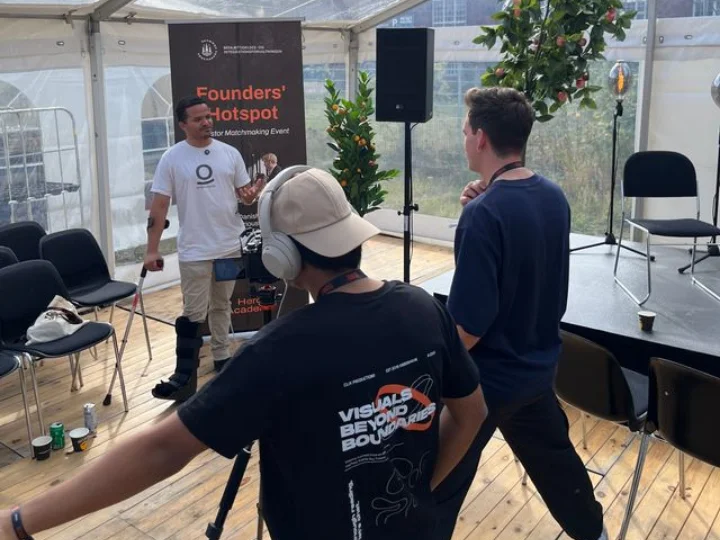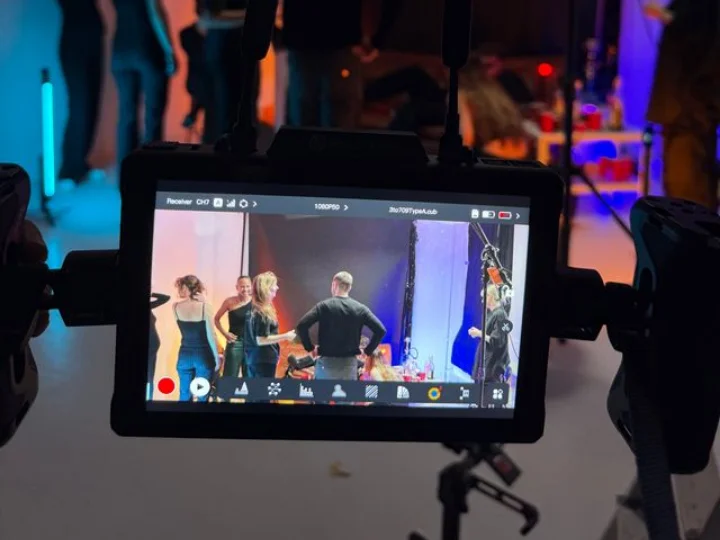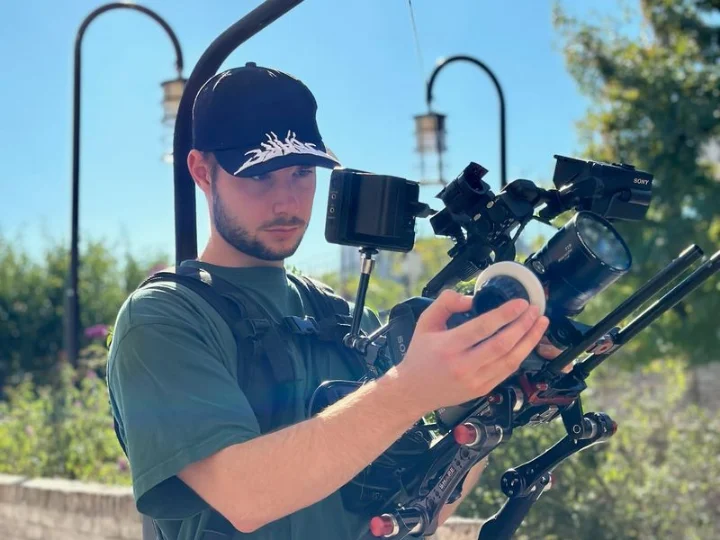

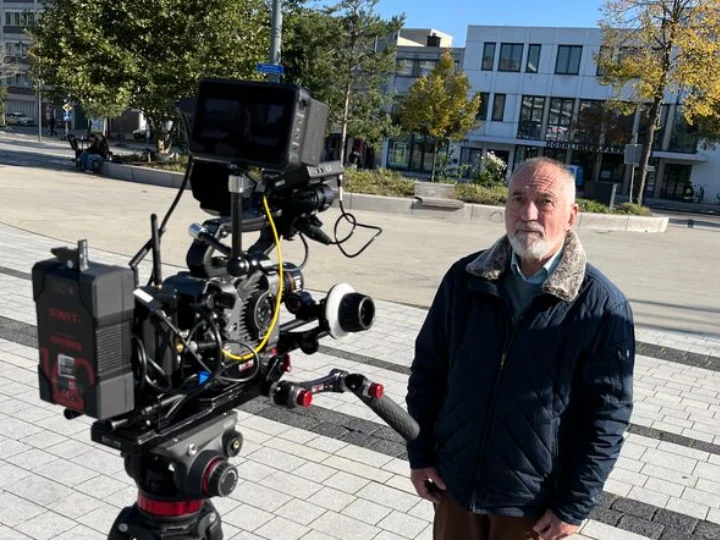
Not everyone can attend a corporate event in person. Employees may work in different cities, clients may have busy schedules, and some guests may live abroad. Live streaming helps businesses reach these people without asking them to travel.
A good broadcast takes more than a camera and an internet connection. Clear sound, steady video and careful planning all matter. If the stream fails or viewers cannot hear the speaker, they may miss important information.
Businesses can stream meetings, product launches and talks to people who cannot attend in person. It can also help companies record important moments for later use.
This guide helps businesses in Copenhagen, Denmark, plan live events, choose a video team and reach more viewers online.
Why Professional Streaming Matters
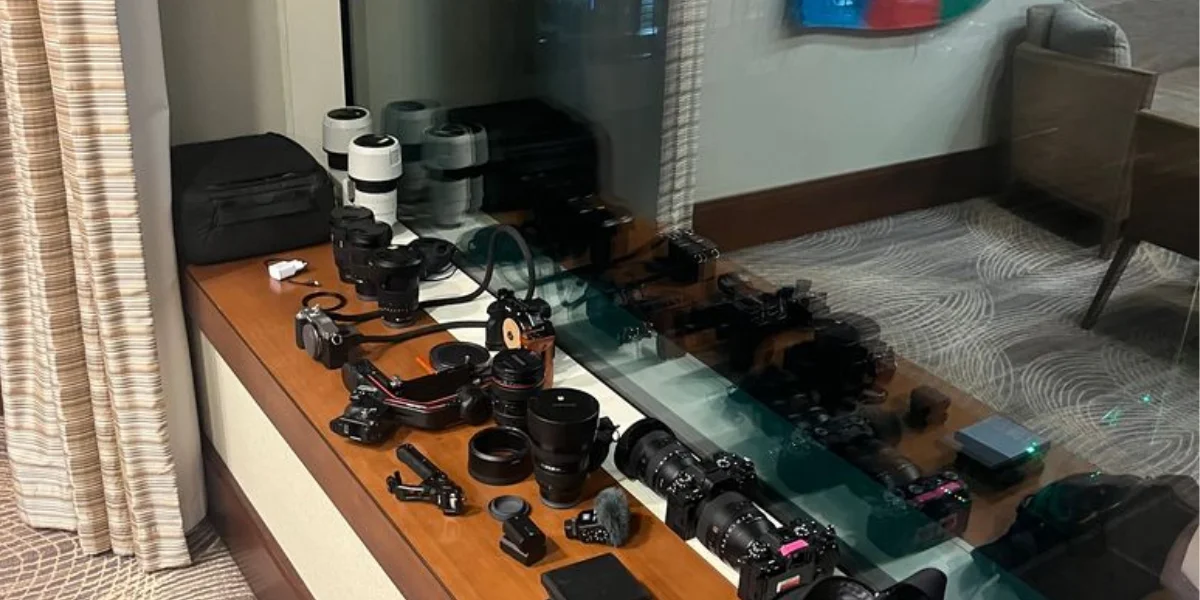
Corporate events often share important news, ideas and business goals. The online experience should reflect the same care as the event itself.
A professional crew manages the cameras, sound, slides and live video feed. This allows the event organiser to focus on guests and speakers. It also helps the programme run smoothly from start to finish.
A simple presentation may need only one camera and a clear microphone. A large conference may need several cameras, a producer and extra support for remote speakers.
Before booking a service, decide what the event needs to achieve. Think about who will watch, what they should learn and how they will access the broadcast. These details help you choose the right setup.
What Should a Corporate Livestream Include?
The best setup depends on the event, the audience and your budget. Here are the main services to consider.
Camera Coverage and Live Production
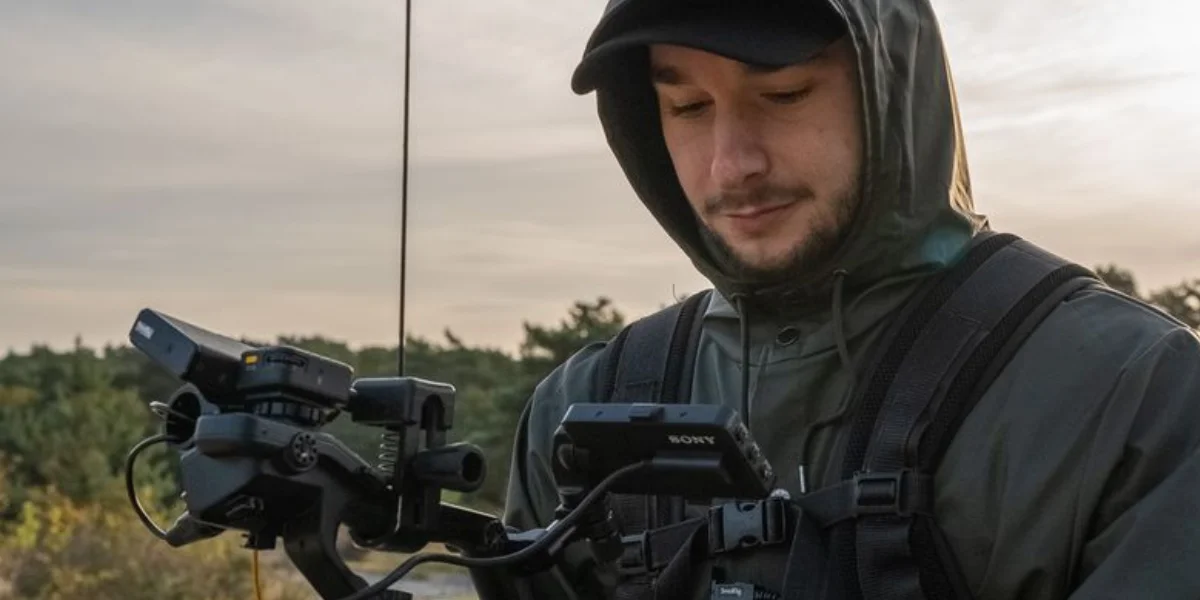
Camera placement affects how viewers see the event. A single camera may suit a short presentation. A panel discussion or conference may need several views.
Multiple cameras can show the speaker, the stage and audience reactions. A production operator switches between these views as the event unfolds. This keeps the broadcast clear and engaging.
Sound, Lighting and Graphics
Clear speech is vital. Poor sound can make even a strong presentation hard to follow. Microphones, room acoustics and sound checks all affect audio quality.
Good lighting helps viewers see each speaker clearly. On-screen titles, speaker names and company logos can also make the broadcast look more polished.
The production team should test every microphone, slide and video clip before the event starts.
Streaming Platform and Access
Choose a platform that suits your audience. A public event may need an easy-to-share viewing link. An internal company meeting may require registration or restricted access.
Check that the platform works on common devices. Also review its privacy settings, audience limits and recording options. A test session can help you find access problems before the event begins.
How to Plan a Smooth Live Broadcast
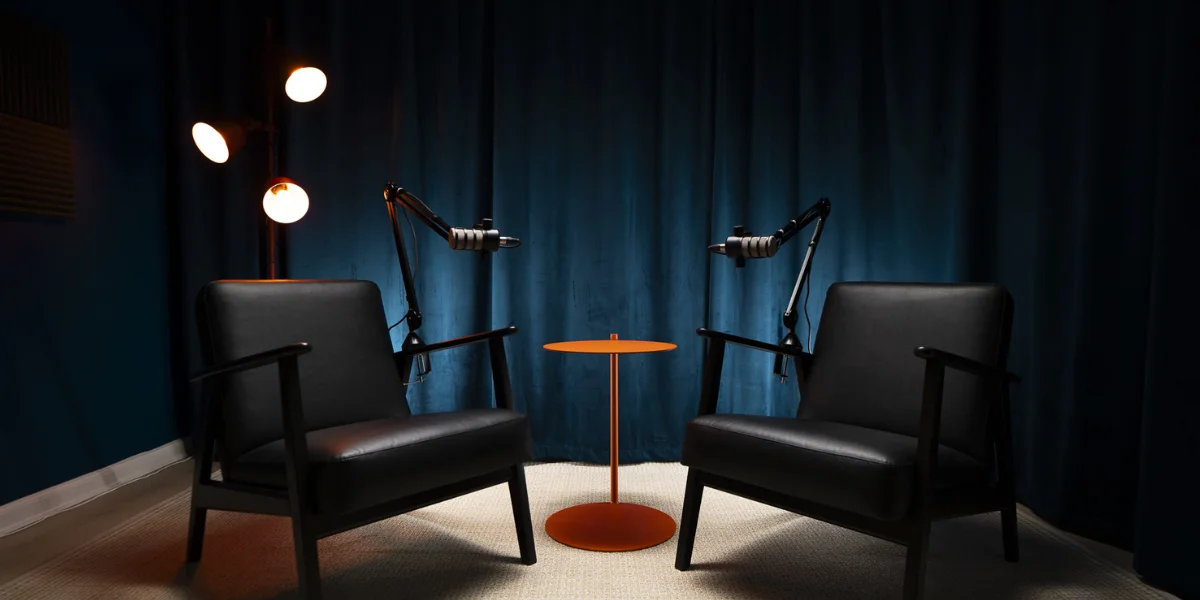
Good planning reduces avoidable problems. Start by creating a clear event schedule. Include speaker times, video clips, breaks, questions and closing remarks.
Share the schedule with the organiser, speakers and production team. Everyone should know when each part begins and who is responsible for it.
Internet access is another key factor. Venue Wi-Fi may not be reliable enough for a live broadcast. Test the connection before the event and discuss a backup option with the production team.
Run a full rehearsal before going live. Test the cameras, microphones, slides and remote speakers. Watch the stream on another device to check what viewers will see and hear.
Use this checklist before the event:
- Confirm the schedule, venue and roles.
- Test the cameras, microphones and lighting.
- Check the internet connection and backup plan.
- Test the streaming link and audience access.
- Confirm recording needs and response plans.
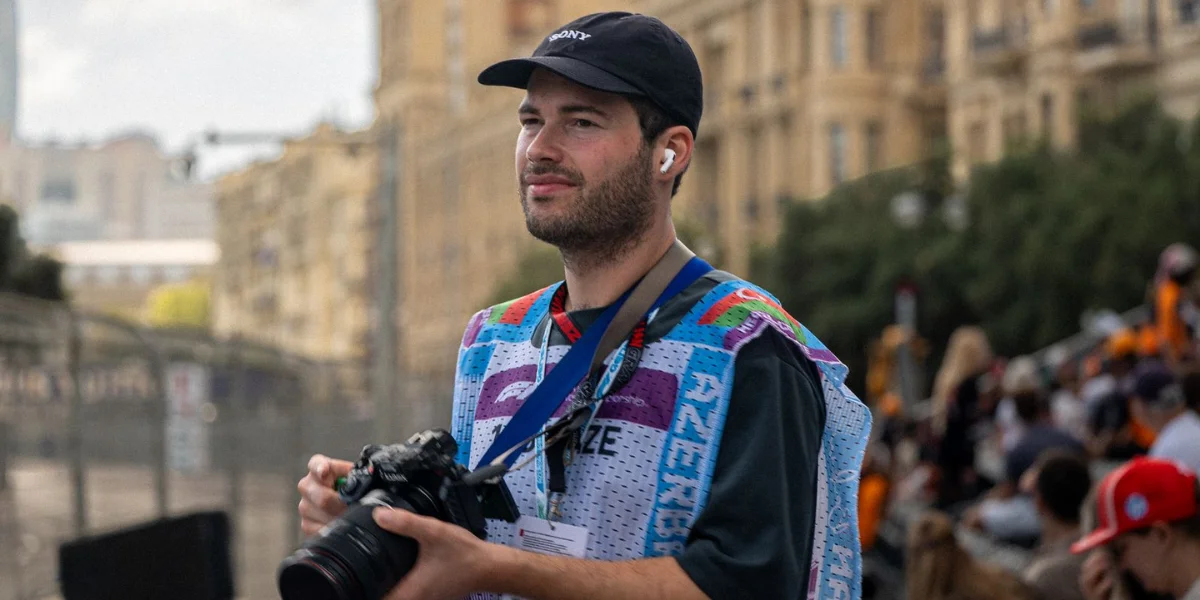
Small meetings may need only basic tests. Large conferences often need a full rehearsal. A skilled event videographer in Copenhagen can help capture key moments while the production team focuses on a smooth broadcast.
Hybrid Events and Audience Engagement
A hybrid event brings together people at a venue and people watching online. It can help businesses reach staff, clients and partners who cannot attend in person.
However, online viewers need more than a camera pointed at the stage. They need clear sound, readable slides and a good view of the speakers.
If someone in the room asks a question, the host should repeat it when needed. This helps remote viewers follow the discussion.
You can also use polls, moderated questions and remote guest sessions to involve online viewers. Assign someone to manage these features so they do not interrupt the speaker.
Captions can make the stream easier to follow. For private events, decide who can watch and whether recordings can be shared later.
Good corporate event streaming gives remote viewers a clear role in the event. It helps them follow the programme and take part where possible.
How to Choose a Live Stream Video Production Company
The right production company should understand your event and explain how it will meet your needs. Do not choose a provider based on equipment alone.
Ask about their experience with conferences, product launches or other events like yours. Find out how many cameras they recommend and who will manage the broadcast.
Request a clear quote that lists the services included. One project may need a camera operator and a basic stream. Another may need a producer, several cameras, graphics and remote speaker support.
Ask how the team will handle common problems. A speaker may arrive late, a video file may fail or the internet connection may drop. A clear backup plan can reduce delays.
Review examples of past work that match your event type. Look at the camera work, sound quality and pace of the broadcast. These details will help you judge whether the provider is a good fit.
Turn Your Livestream Into Useful Content
The value of an event does not have to end when the broadcast stops. With the right permissions, you can reuse the recording in other ways.
A keynote speech can become a training resource. A product launch may provide short videos for your website. An interview can support company updates or future marketing.
Decide what you need before filming begins. You may want a full recording, edited highlights, separate speaker sessions or short clips for social media.
Event films and livestreams work well together. The live stream reaches people during the event, while edited videos help share the message later. You can also learn more about conference video production and how it can help you capture key moments.
Agree on recording rights, storage and approval before publishing any footage. If guests appear in promotional videos, check that you have the required permissions.
Businesses in København, Denmark, can use live streams to share event videos and company news with more people.
Frequently Asked Questions
What is live streaming video production for corporate events?
It is the planning and delivery of a live video broadcast for a business event. Services may include cameras, sound, lighting, graphics, platform setup and recording.
How many cameras does a corporate livestream need?
A short presentation may need one camera. A conference or panel discussion may need several cameras to show different speakers and parts of the room.
How much does professional livestreaming cost?
The price depends on the event length, crew size, number of cameras, venue and extra services. Ask for a quote based on your schedule and production needs.
Can a livestream be recorded for later use?
Yes. Ask the production team to include recording in the plan. You can then use the full video or edit it into shorter clips, subject to the required permissions.
What should be tested before going live?
Test the internet, cameras, microphones, slides, graphics and viewing link. Run a rehearsal and make sure the team knows what to do if a technical problem occurs.
Conclusion
A successful corporate livestream starts with clear goals and good planning. Reliable sound, suitable camera coverage and a stable internet connection help viewers follow the event. A rehearsal also gives the team time to fix problems before the broadcast begins.
Recording can add further value by turning a live event into content for future use.
Clix Productions can help you plan a production that suits your event, audience and communication goals. Planning a conference, product launch or company meeting? Talk to the team about your needs.
Call +4528766105 to talk about your next live production.